As described in the File Management concepts, a File represents a document or binary blob stored within a Repository.
Files are the fundamental units used by the file management system. When uploading a single file you provide a
user-visible name that is unique within its Repository. Single-file uploads create three stored variants: the
original (base) file and compressed variants (.gz and .lz4). When a campaign targets devices, Edgehog will
select the most appropriate variant to send based on each device's declared capabilities. When multiple files are
uploaded together via the UI, they are packaged into an archive and the same three variants are produced.
File List
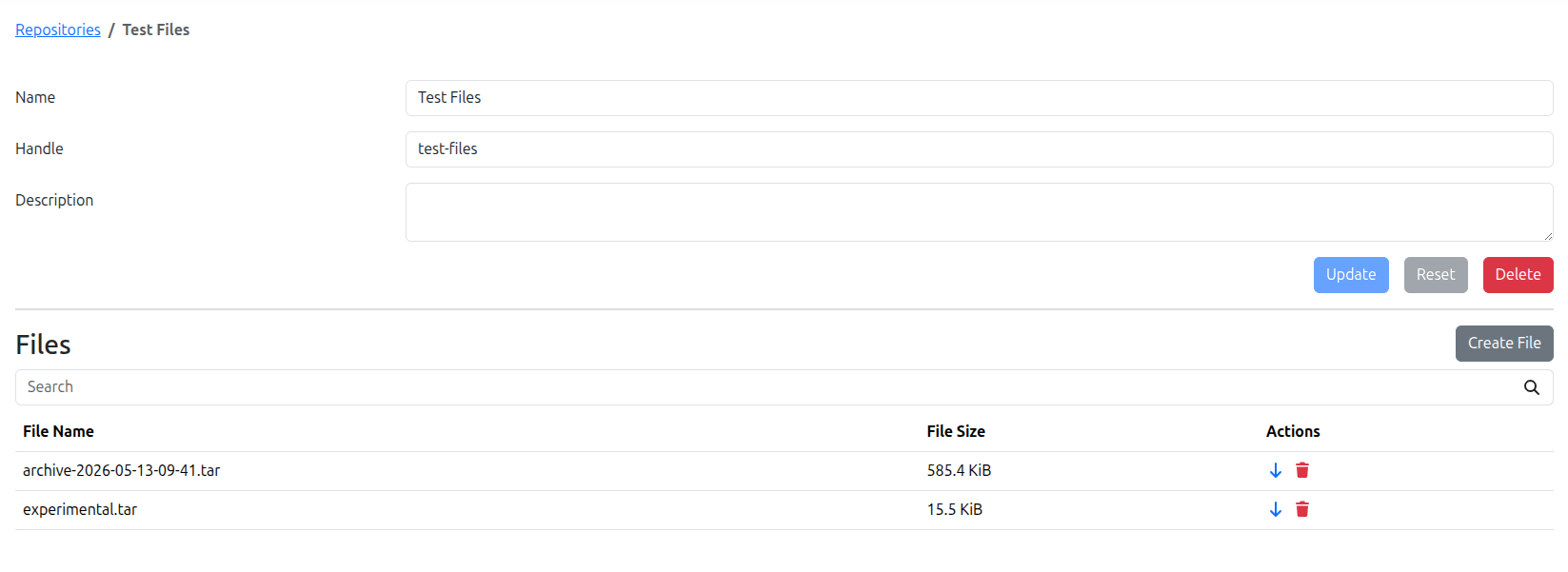
The Repositories page shows a table with the Files associated to each Repository. From the table you can download the base variant of a File or request its deletion. Other columns include the File name and the uncompressed size that will be stored on the device once the file is delivered.
Create File
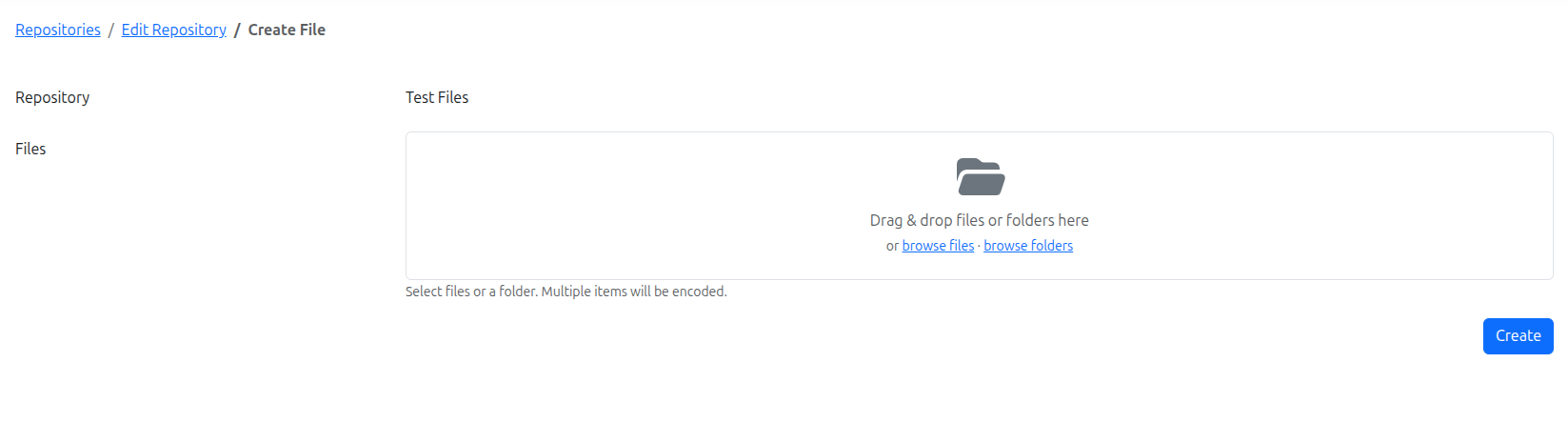
The Create File page allows creating a new File inside a Repository.
Provide the File data and name in the form and press "Create" to save the File in Edgehog's storage.
Uploading a File to a Repository does not send it to devices. To distribute Files to devices, create a File Download Request or File Download Campaign.
Files are automatically checksummed on upload to verify integrity and detect corruption.