File Download Campaigns are the primary mechanism to distribute Files to multiple devices in Edgehog. A File Download Campaign tracks the execution of a specific download operation for all Devices belonging to a Channel, allowing you to deliver Files across your fleet in a controlled manner.
The following sections illustrate the pages that can be used to list, create and view File Download Campaigns.
File Download Campaign List

The Campaign list shows all File Download Campaigns. Clicking a Campaign name opens the File Download Campaign page.
Clicking "Create Campaign" opens the Create Campaign form.
Create File Download Campaign
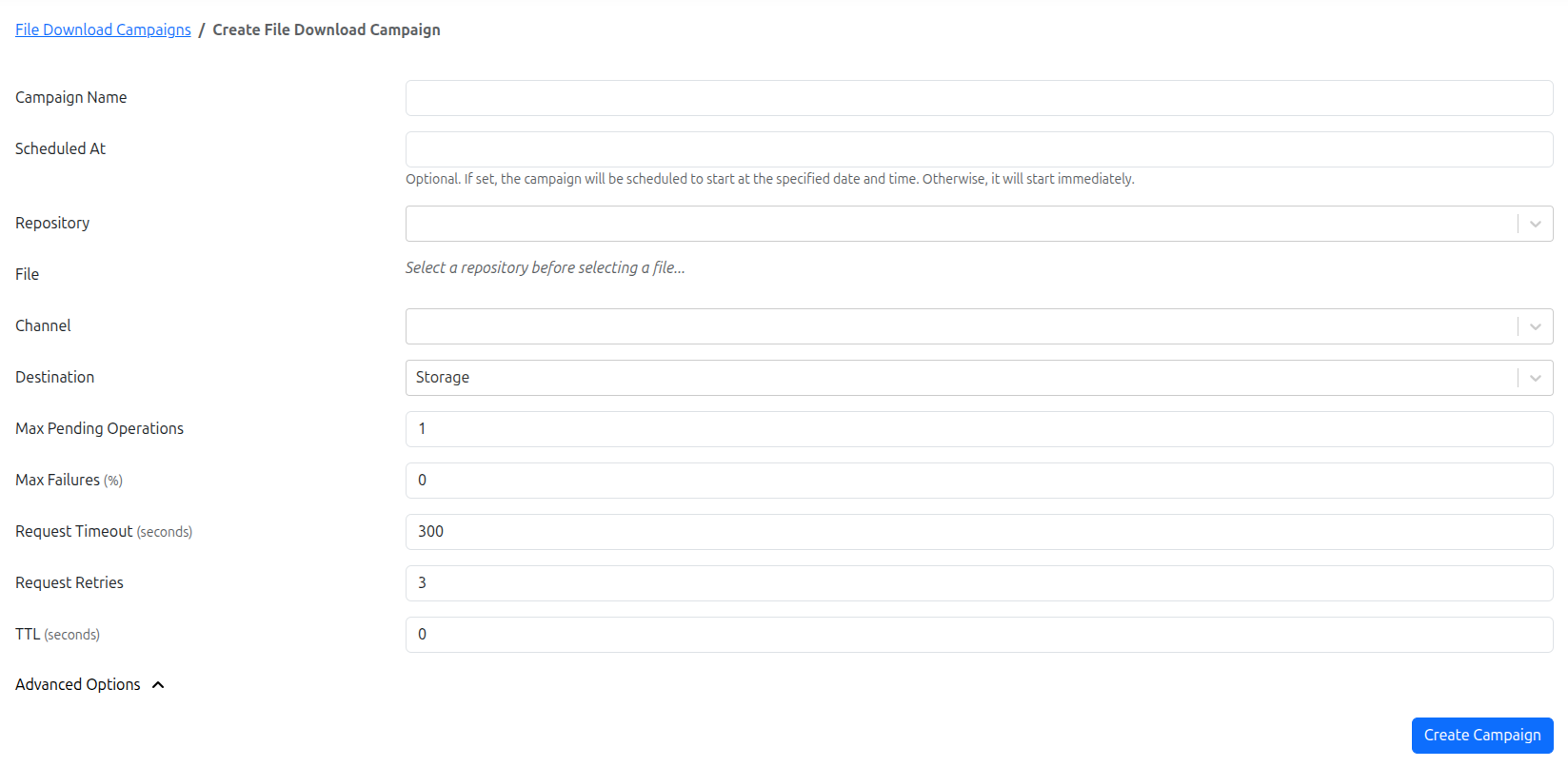
The Create Campaign page allows creating a new File Download Campaign. When creating a campaign, provide the following information:
- Campaign Name: a descriptive name.
- Repository / File: select the source Repository and File to deliver.
- Channel: the target Channel whose Devices will be included in the campaign.
- Destination Type: chooses whether the file is stored on-device, streamed, or written to a filesystem path.
- Destination Path: required only when the destination type is
Filesystem. - Scheduled Time (optional): when the campaign should start; if omitted it starts immediately.
- Advanced Options: encoding, file mode, UID/GID, retries, and request timeout.
- Roll-out Mechanism properties.
Press "Create" to save the Campaign. When started, Edgehog snapshots the Channel membership and targets only those Devices for the campaign run.
Advanced Options
- File Mode: Unix permissions (e.g., 0644) for Unix-like targets.
- User ID / Group ID: numeric ownership values to apply on the File on the Device.
Destination Types
File Download Campaigns use the same destination types as manual File Download Requests:
- Storage: persist the file on the Device's storage and record the resulting on-device path.
- Streaming: process the file without storing it on the Device.
- Filesystem: write the file to the configured destination path on the Device filesystem.
The destination path field is only shown and required for the Filesystem destination type.
Roll-out Mechanism
File Download Campaigns use a Roll-out Mechanism to control how downloads are scheduled across Devices. Edgehog currently supports the Lazy mechanism.
Lazy Roll-out Mechanism
The Lazy mechanism performs gradual rollouts and offers the following controls:
- Max Failure Percentage: the maximum percentage of failed targets tolerated; exceeding it aborts the Campaign.
- Max In-Progress Downloads: maximum concurrent download requests that can be in-progress.
- Create Request Retries: retries attempted for request creation/acknowledgment per Device.
- Request Timeout: per-request timeout in seconds.
These properties allow you to limit blast radius and control load on networks and devices.
File Download Campaign
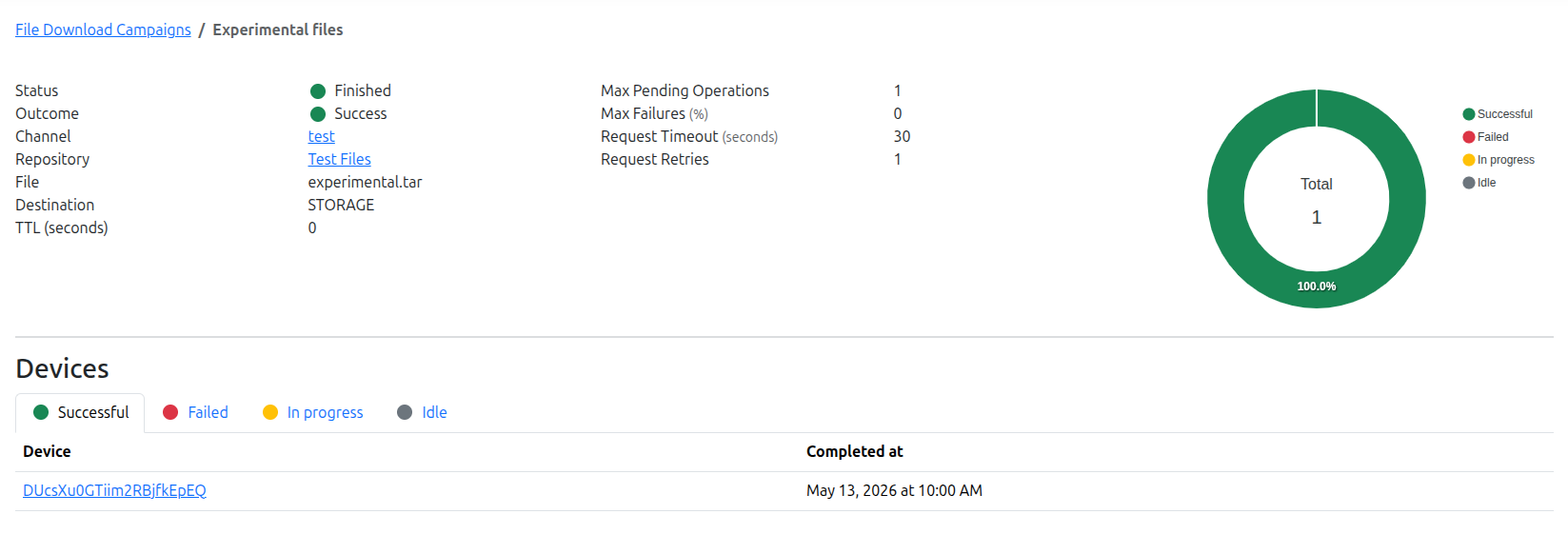
The Campaign page shows campaign details, progress, target Devices and per-target status. Click a Device to open its Device page.