Channels
A Channel is an aggregation of Groups that can be targeted in campaigns (either update or deployment campaigns).
To assign a Device to a specific Channel the device must belong to a Group and that Group has to be assigned to the Target Groups of the Channel.
In Edgehog a Channel has this information associated with it:
- Name: a user friendly name used to identify the Channel (e.g. "Beta").
- Handle: a machine friendly identifier for the Channel (e.g. "beta"). A valid handle
must begin with a lowercase letter followed by any number of lower case letters, numbers or dashes (
-). - Target Groups: a list of groups containing Devices which will automatically get assigned to this Channel.
A group can be associated only with a single Channel. To change the auto-assignment of a specific group from a Channel to another, the group must be removed from the previous Channel and then added to the new one.
The following sections will illustrate all the pages that can be used to list, create, edit and delete Channels.
Channel List
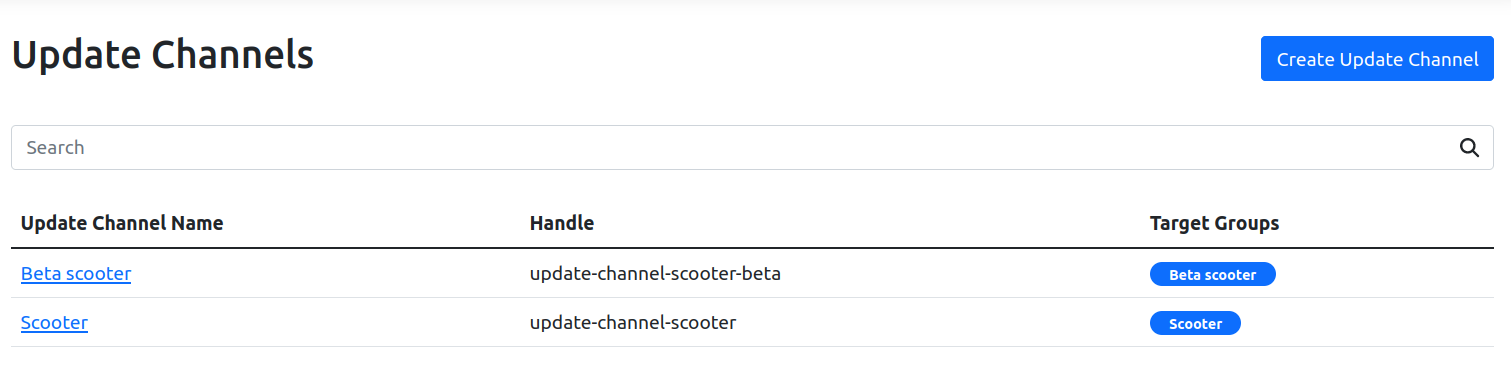
In the Channel list you can see the table with all Channels that are available. Clicking on the name brings to the Channel page.
Clicking on the "Create Channel" button in the top right brings to Create Channel page.
Channel
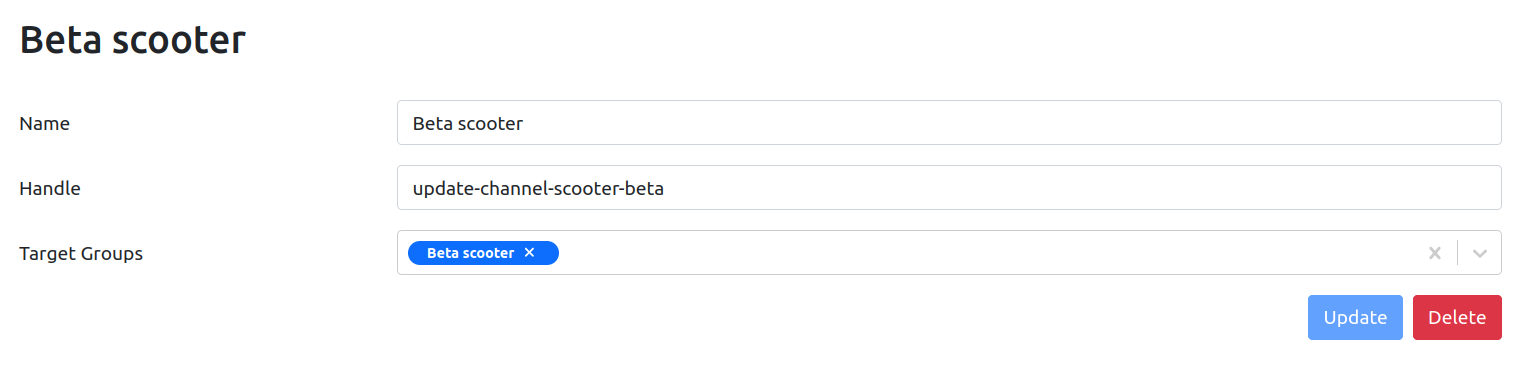
The Channel page shows and allows updating the information about a specific Channel.
Editing any field and then pressing the "Update" button saves the new values for the Channel. The "Delete" button allows to delete the Channel.
Create Channel
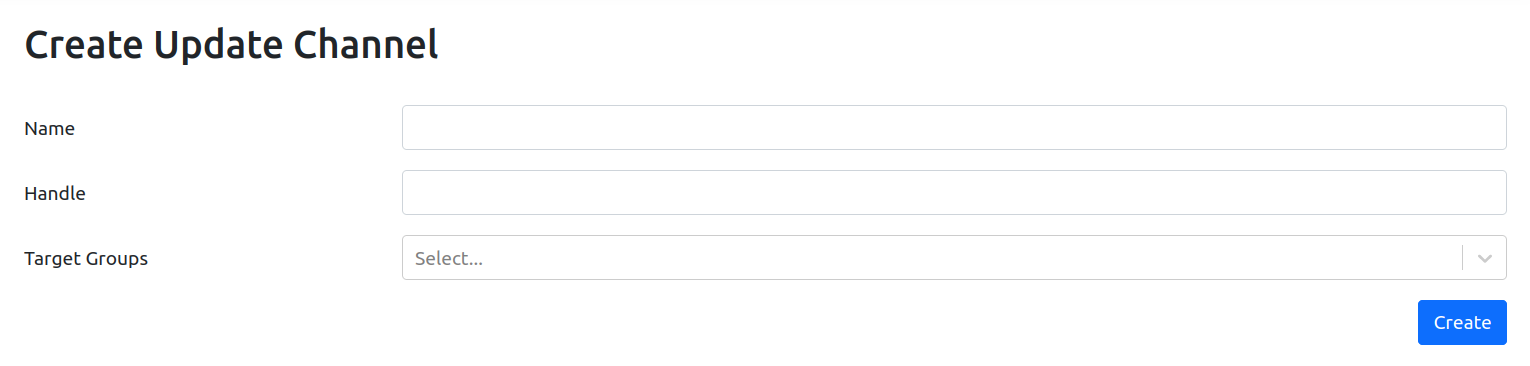
The Create Channel page allows creating a new Channel.
The Channel information can be provided using the form, and pressing the "Create" button saves the Channel. Target Group(s) must be chosen from a list of available Groups using the dropdown menu.